Connect Instagram DMs
Web & app 1 min read
Connect an Instagram Business or Creator account in one click. The same agent answers your DMs. Pro and Business plans.
The agent that answers your WhatsApp answers your Instagram DMs too. Same catalog, same prices, same floors.
Instagram is on the Pro and Business plans.
Before you start
Your Instagram account must be a Business or Creator account. A personal account cannot connect.
Steps
- Open Channels.
- On the Instagram card, tap Connect Instagram.
- Sign in to Instagram in the window that opens.
- Read what you are granting and tap Allow.
- You land back on Channels and the card says Connected.
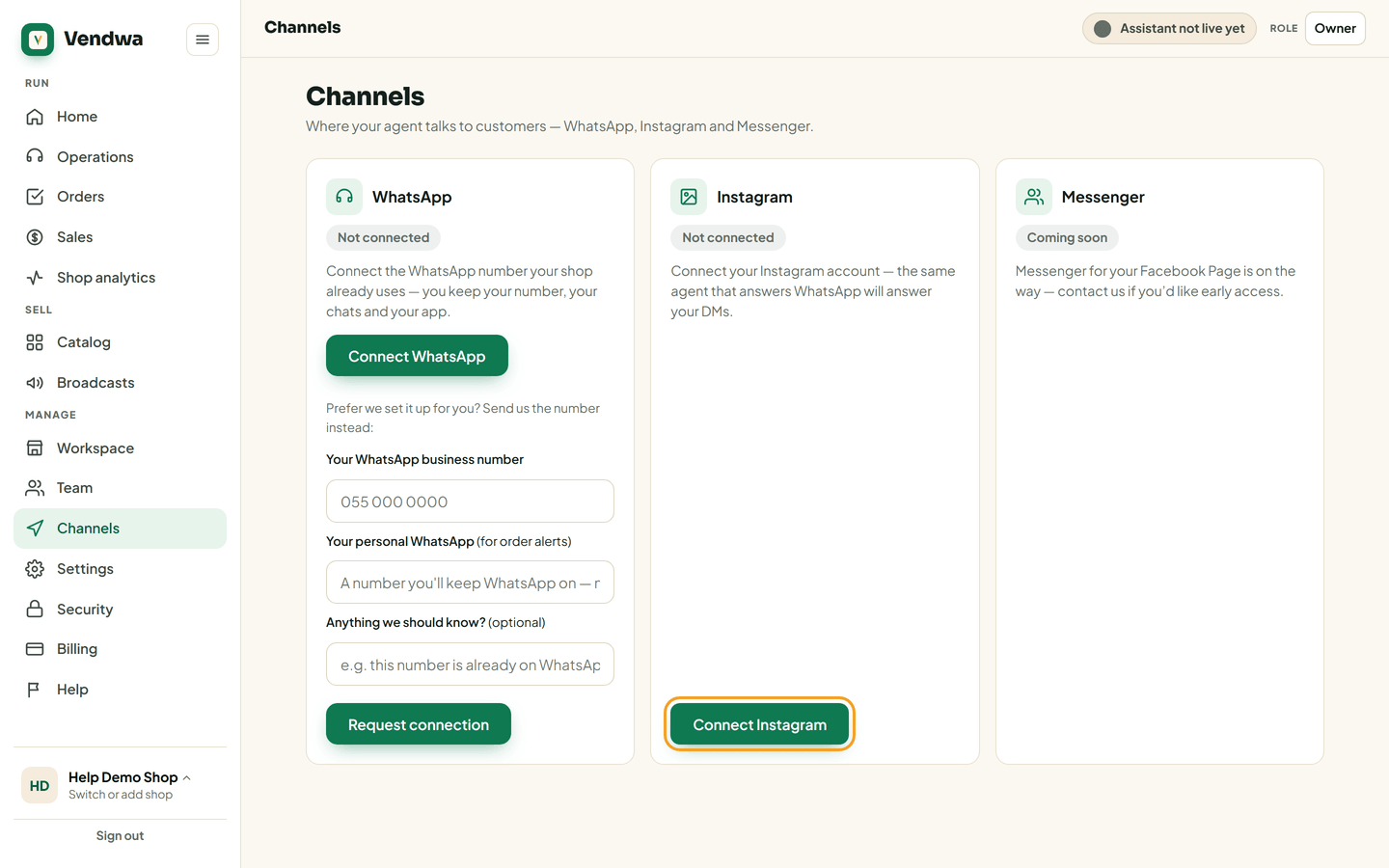
Send your shop a test DM from another phone. The first message after connecting can take a minute or two to come through.
Good to know
- Photos and PDFs work on Instagram. One difference: a photo with a message arrives as two messages, because Instagram has no caption field.
- Instagram signs you out of the connection if you change your Instagram password. If your DMs go quiet, reconnect from Channels.
- Disconnecting is one click and you can reconnect any time.
Was this helpful?
We read every answer. We do not ask for your name.