What "Pending" means on the WhatsApp card
Web & app 1 min read
Pending means your request reached us and we are doing the setup. There is nothing for you to do.
Pending means one thing: we have your request and we are connecting the number. Nobody is waiting on you.
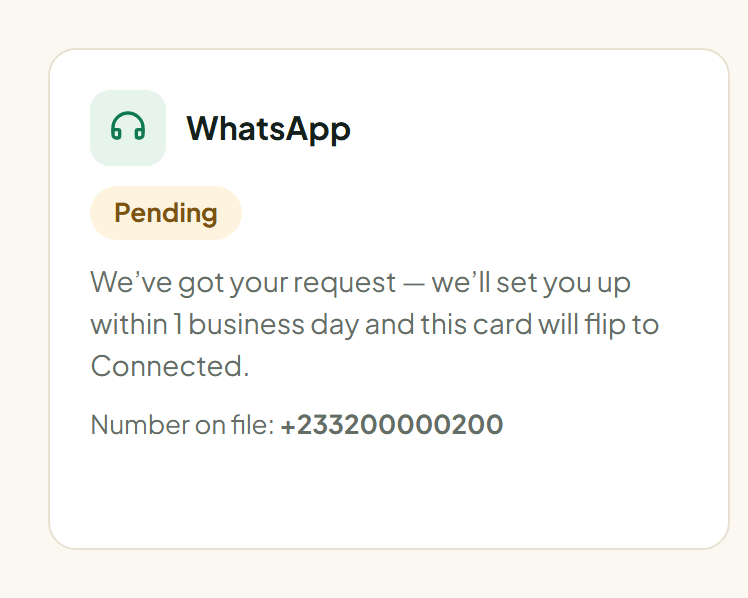
What happens while it says Pending
- Your request lands in our queue with the number and the note you wrote.
- Our team does the WhatsApp setup on Meta's side.
- The card flips to Connected, and Vendwa starts answering that number.
This normally takes one business day.
Do not send the request twice
A second request does not make it faster. If the card already says Pending, the work is already in the queue.
While you wait
Use the time. Add your products, set your floor prices, write your delivery zones. Everything except answering customers works before the channel is live.
- Open Catalog and add your items. See Add a product.
- Open Settings and set your tone, delivery zones and MoMo details.
- Set up your shop page. See Publish your shop page.
Still Pending after two business days?
Message us on WhatsApp from the Help page, or email support@vendwa.com. Tell us the shop name and the number you sent.
Was this helpful?
We read every answer. We do not ask for your name.