Take over a chat
Type to the customer yourself. Vendwa goes silent in that chat until you hand it back, and leaves you a one-line summary.
When you answer a customer yourself, Vendwa steps back in that one chat. Every other chat carries on as normal.
Take over
- Open the chat.
- Turn on Take over chat above the composer.
- Type your message and send.
The moment your message goes out, the chat is yours. Vendwa stops replying there.
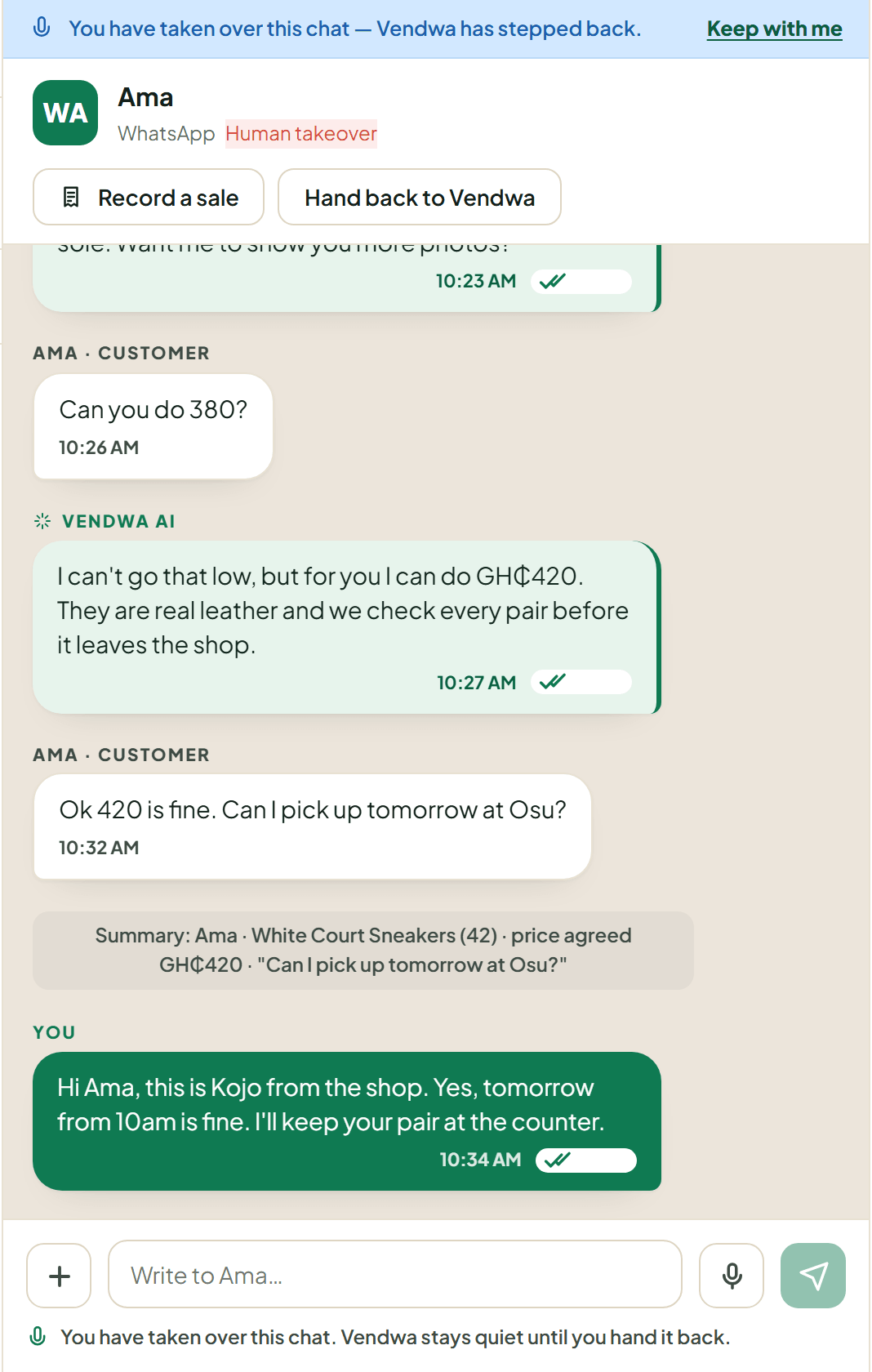
The summary line
You should not have to scroll a long chat to know where it stands. When a chat comes to a person, Vendwa writes one grey line at the bottom for you:
Summary: Ama · 1 × Red Ankara Dress, GH₵180 · price agreed · "can you do 150?"
That is who the customer is, what they want, how far the sale got, and the last thing they said. The customer never sees it. Every figure comes from the chat or the order, never from a guess.
Hand it back
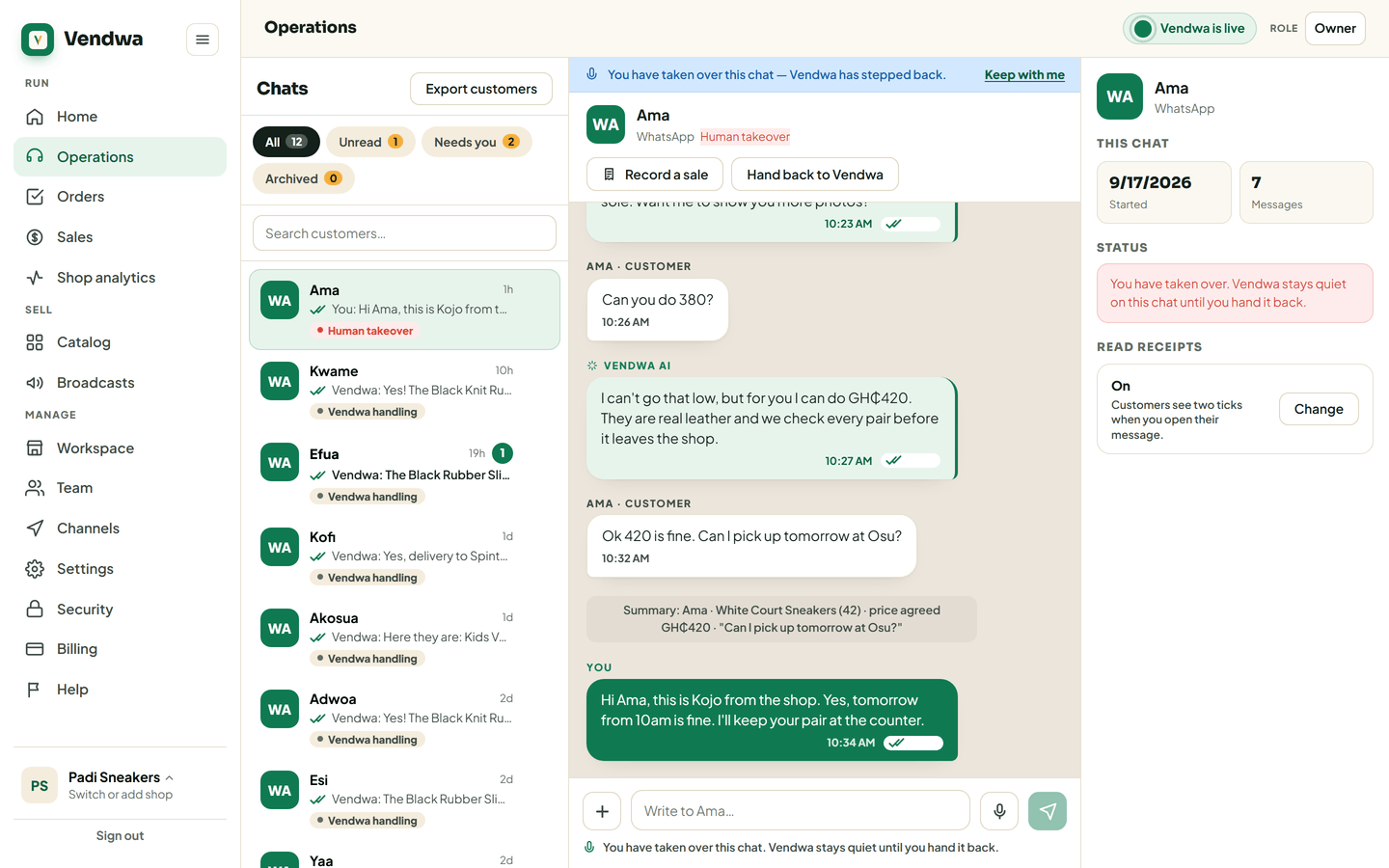
On the phone, turn Take over chat off and confirm. On the web, tap Hand back to Vendwa.
Vendwa reads the whole thread, including what you typed, and picks up from where it stands.
Which one to use
Take over is for when the customer needs to hear from a person.
Whisper is for when you want Vendwa to do something differently. It stays live and does the talking. See Whisper to Vendwa.
Good to know
- Anyone on your team can take over a chat, including a salesperson.
- Sending a photo or a file also counts as taking over.
- Closed the sale yourself? Record it so stock and your sales figures stay right. See Record a sale.
We read every answer. We do not ask for your name.