The access log
Web & iOS 1 min read
Every sign-in and sensitive change across your team, in one list. Exports, MoMo changes and support visits included. Owner only.
Who signed in last night? Who changed the MoMo number? Who downloaded the customer list? The access log answers in one place.
Open it
- On the web: Settings, then Access log under Manage.
- In the app: Account, Security, Access log.
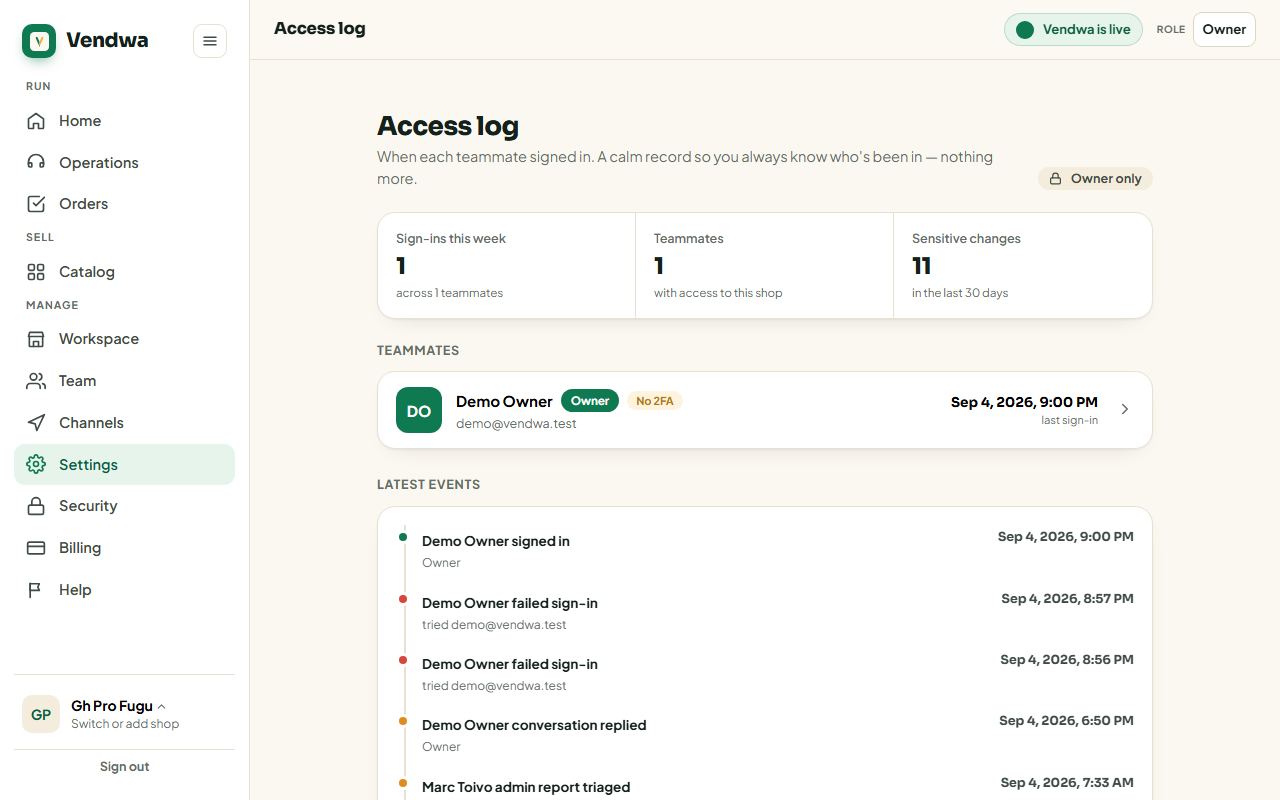
What it records
- Sign-ins, sign-outs and failed sign-ins, for every teammate.
- Two-step sign-in, password and PIN changes.
- MoMo number changes, from the request to the 24-hour wait to the change going live, or being cancelled.
- Changes to your WhatsApp number for pings.
- Team changes: invites, people joining, roles, removals.
- Customer exports, with the size: "Exported customers (128 rows)".
- Orders marked paid or delivered, and floor price changes.
- Locking the shop, and Vendwa unlocking it.
- Vendwa support visits, under support's name, not yours.
Each row shows who, what and when.
Use it
- Check it after a teammate leaves.
- Check it when an alert surprises you.
- If a row is not you and not anyone you trust, lock your shop. See Emergency: lock your shop.
Good to know
- Only the owner can see the access log. Managers and salespeople cannot.
- Your own recent activity also shows on the Security page.
Was this helpful?
We read every answer. We do not ask for your name.