Create your Vendwa account
Web & app 2 min read
Sign up on the web or in the Vendwa app for iPhone or Android, with email, Apple or Google. It takes about two minutes.
You can sign up on the web at app.vendwa.com or in the Vendwa app for iPhone or Android. They all give you the same account, and you are the owner of the shop you create.
On the web
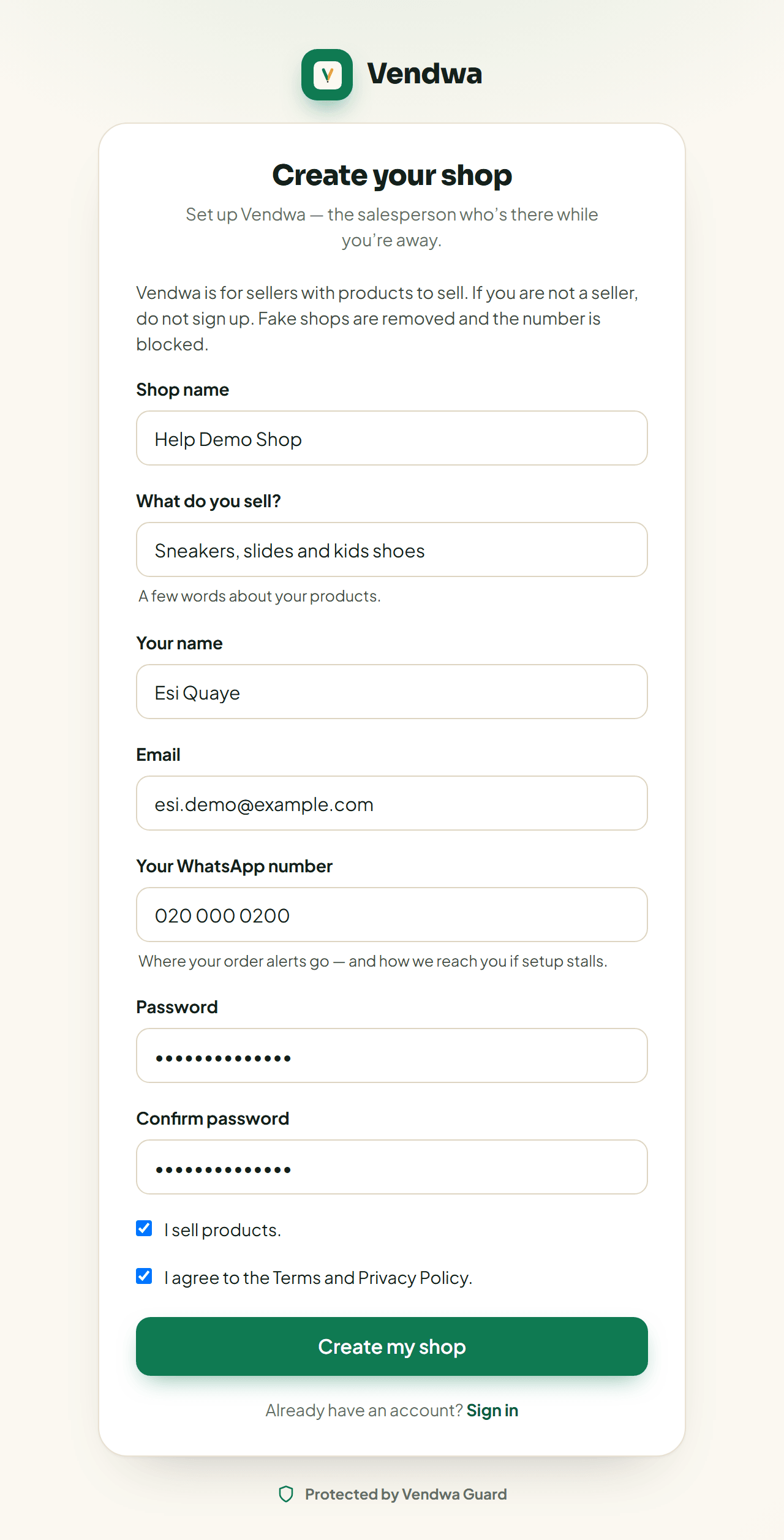
- Open app.vendwa.com/signup in your phone or computer browser.
- Type your shop name and what you sell. A few words is enough, like "ladies' shoes and bags".
- Type your name, your email, your WhatsApp number and a password of at least 8 characters.
- Tick I sell products. and agree to the Terms.
- Tap Create my shop.
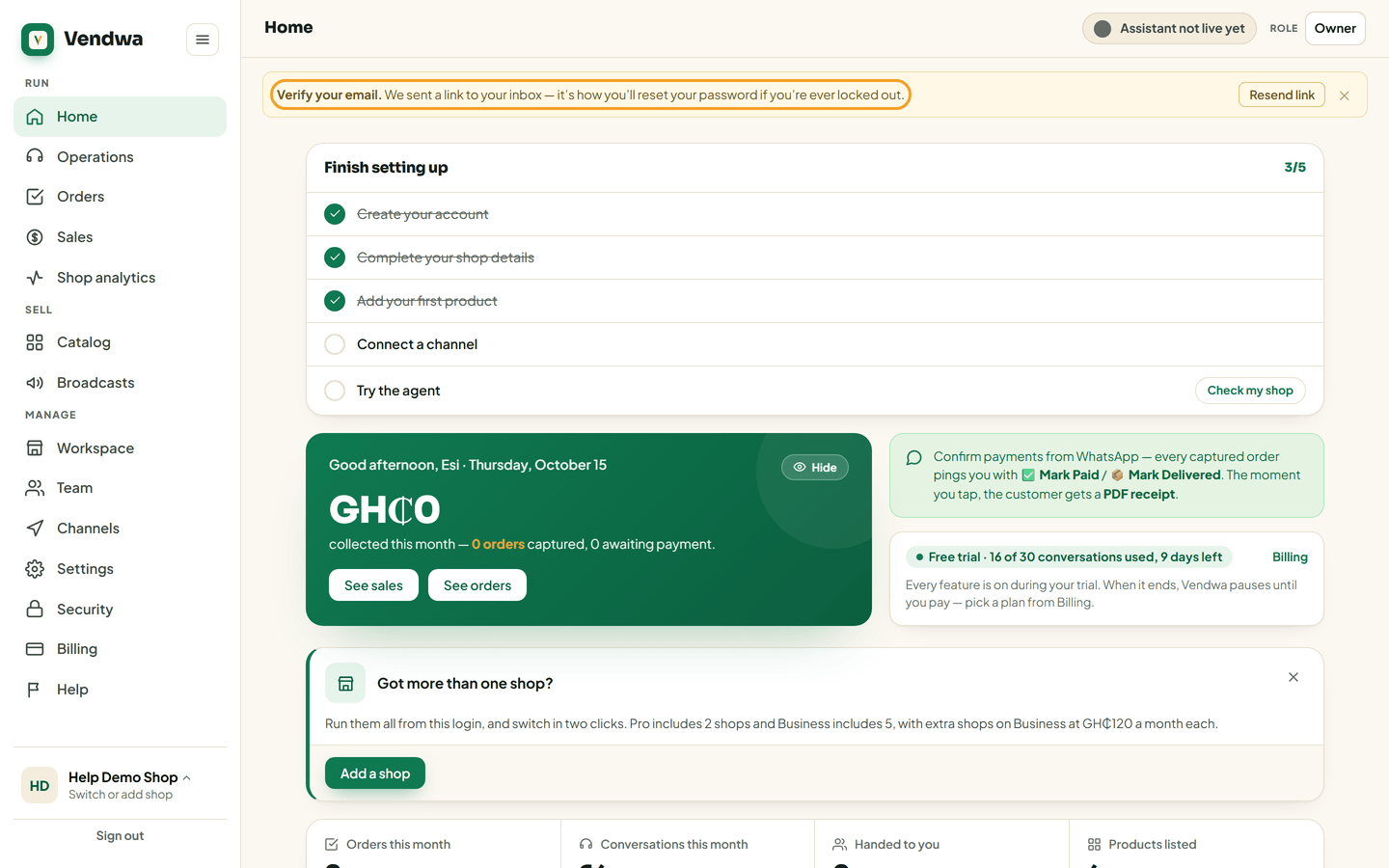
We email you a link. Open it to verify your address.
In the app
Get the free Vendwa app first:
- iPhone: Vendwa on the App Store
- Android: Vendwa on Google Play
- Open the app and tap Create account.
- Tap Continue with Google, or Sign up with Apple on iPhone. Or fill in the form with your email and a password.
- Fill in your shop name, what you sell, your name and your WhatsApp number.
- Tap Create my account.
- Create your 4-digit PIN, then type it again. If your phone has Face ID or a fingerprint reader, the app offers it next.
We text a 6-digit code to your WhatsApp number to check it. Type it in when the app asks.
Before you add things
You can look around straight away. Connecting WhatsApp, adding products and inviting teammates wait until your email and phone number are verified.
Good to know
- No card is asked for at sign-up. No money is taken.
- Your free trial does not start here. It starts the first time Vendwa replies to a customer. See Your free trial: 14 days or 30 conversations.
- Vendwa is for people who sell products. Fake shops are removed and the number is blocked.
- Use an email you read every day. Renewal reminders and security alerts go there.
Was this helpful?
We read every answer. We do not ask for your name.