Out of stock and items you don't have
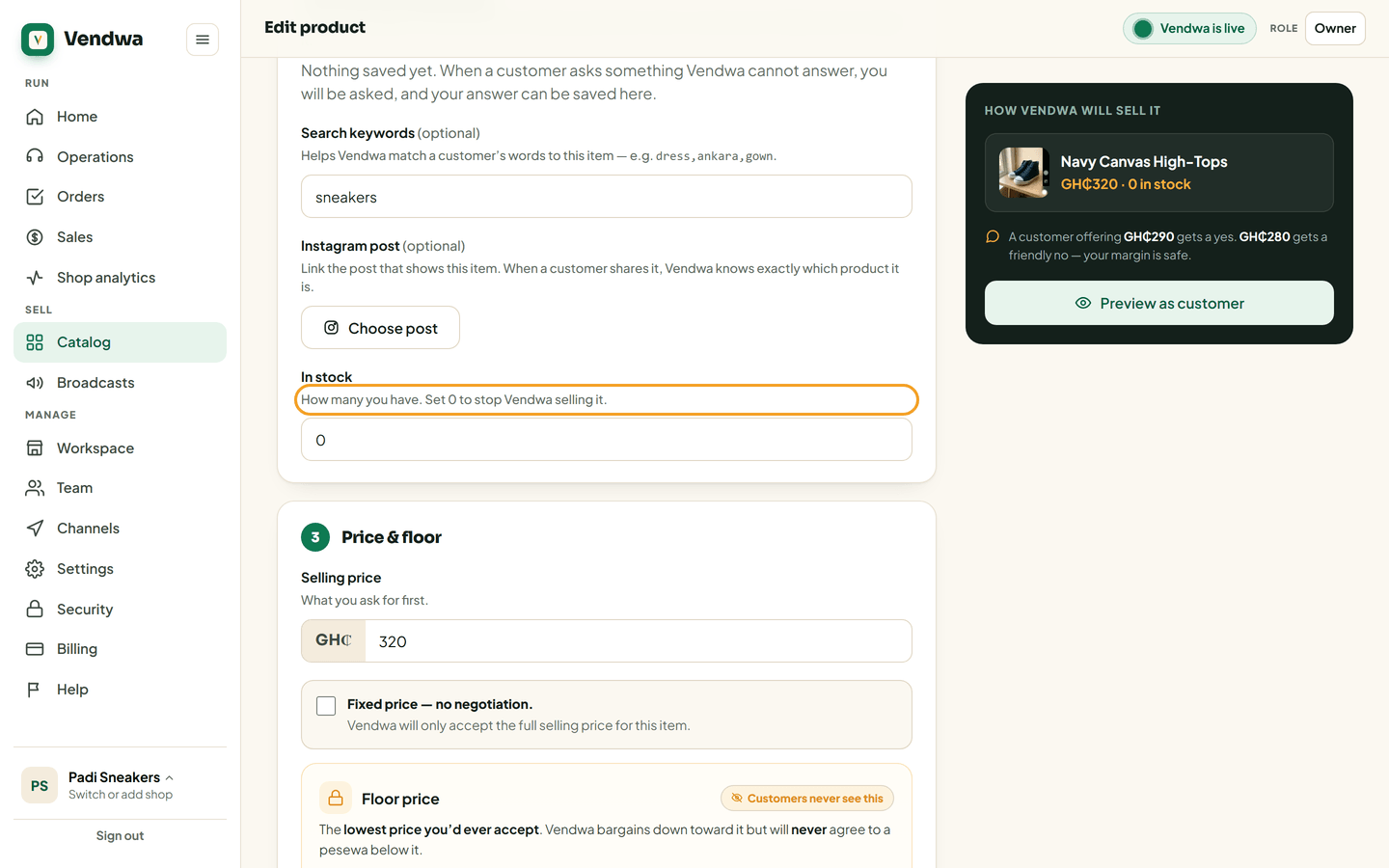
Set stock to 0 and Vendwa stops selling it. It never invents an item, and it never tells a customer your catalog is broken.
Stop selling one item
- Open the product in Catalog.
- Set stock to 0.
- Save.
Vendwa stops selling it from that moment.
What it tells customers
It reads your real stock number. If two are left, it may say "only 2 left" — because two are left. It will never invent a count to create urgency. An invented number is a lie a customer catches at the till.
When they ask for something you don't have
Vendwa says you do not have it, then offers what you do have. It never makes up an item, a colour or a size.
When their words don't match a product name
Nothing breaks. Vendwa falls back to your full list and answers from it. It will never tell a customer your catalog is "not loading", "empty" or "down" — and it never uses words like catalog, system or database in front of them. To your customer, it is your shop.
Good to know
Add search keywords to your products so customer words match your items. If shoppers say "gown" and your item is called "Ankara dress", put gown in the keywords.
We read every answer. We do not ask for your name.