About your shop
A few lines in your own words. Vendwa uses them to introduce your shop, and they show on your shop page. Write it for me can draft them.
A phone-accessory shop and a fabric shop should not sound the same. About your shop is where you say, in your own words, what you sell and who you are. Vendwa reads it before every chat, and it shows on your shop page under your name.
Write it
- On the web, open Settings and go to Shop page. In the app, open Account, Shop details, About your shop.
- Type 3 or 4 plain sentences. You have up to 450 characters.
- Save.
A good one says what you sell, where you are, and one thing that makes you different. "Ladies' shoes and bags in Kumasi. Most of our stock comes from Italy and Turkey. We deliver across Ashanti in a day."
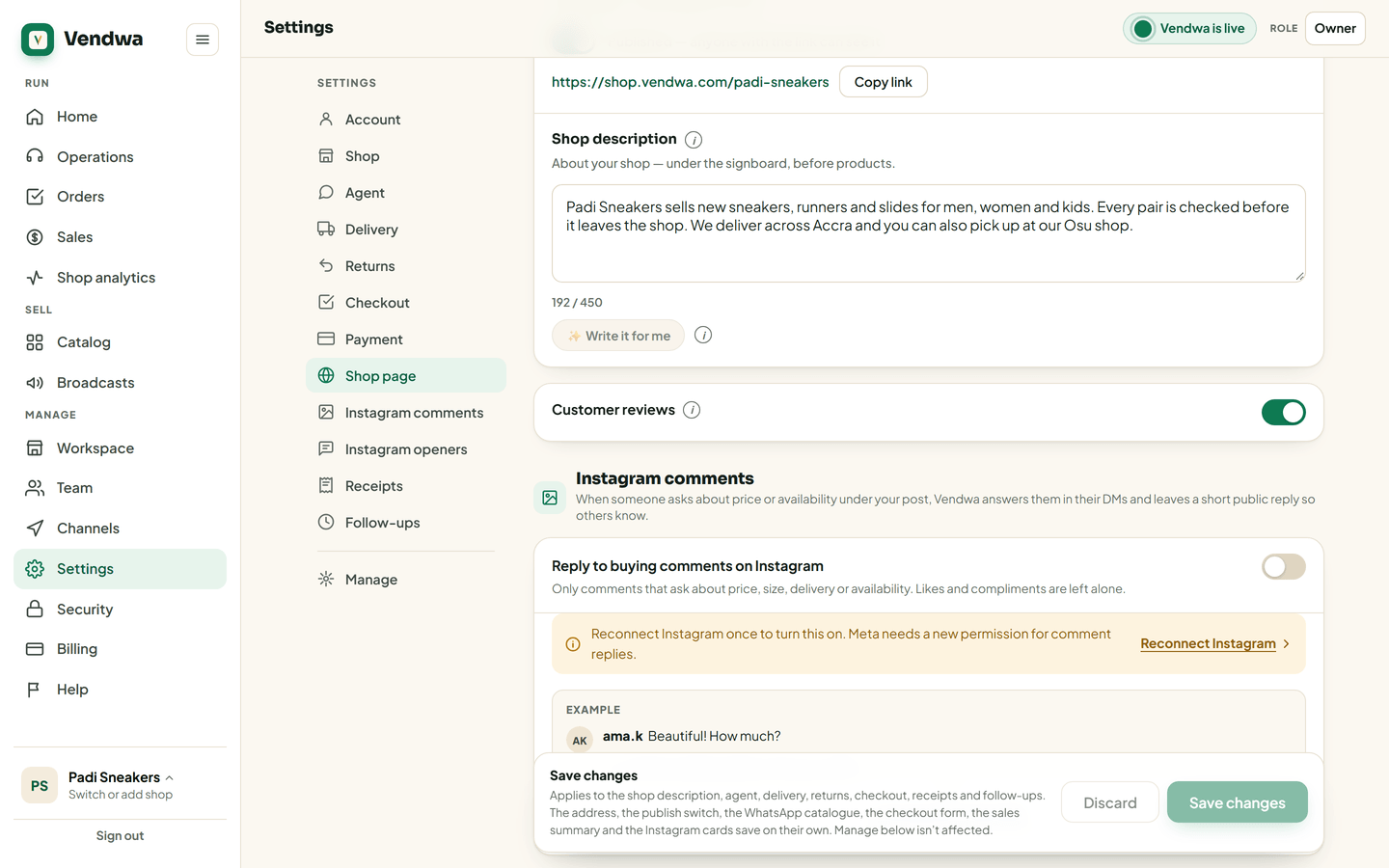
Let Vendwa draft it
Not sure where to start? Tap Write it for me. Vendwa reads your catalog and writes 2 or 3 short sentences. Read them, change what is wrong, then save.
You get one draft and one rewrite per shop. After that, edit the words yourself. You know your shop best.
Good to know
- Add products first. With an empty catalog, Write it for me has nothing true to write from.
- Prices in this box are not quotes. Vendwa always takes prices, stock and delivery fees from your catalog and settings, never from here.
- Only an owner or a manager can change it.
We read every answer. We do not ask for your name.