Mark an order paid and delivered
Web & app 1 min read
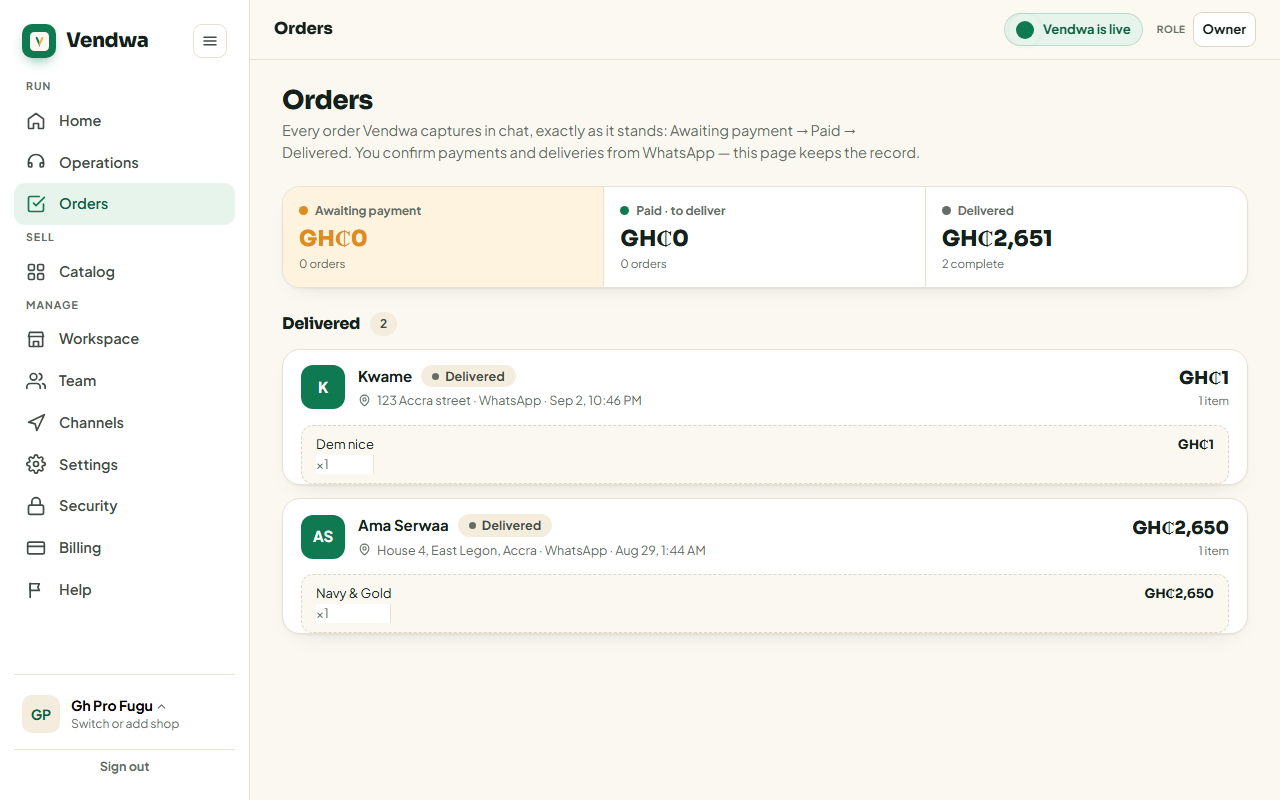
Two taps. Mark Paid sends the receipt straight away. Mark Delivered closes the order.
Mark it paid
- Open Orders and tap the order.
- Check the money landed in your MoMo or your till.
- Tap Mark Paid.
- Confirm.
The customer gets their receipt on the spot.
You can also do it from the buttons on the WhatsApp ping. Same result.
Mark it delivered
- Open the order.
- Tap Mark Delivered.
- Confirm.
No sale
Somebody changed their mind, or the money never came. Tap No sale on the order to cancel it. Nothing is charged and nothing is sent.
Good to know
- Only an owner or a manager can mark an order paid. A salesperson can mark it delivered.
- Never mark an order paid before you have seen the money. The receipt goes out immediately and cannot be unsent.
- Vendwa never marks an order paid by itself and never tells a customer a payment is confirmed. That only happens when the money arrives.
Was this helpful?
We read every answer. We do not ask for your name.