Invite your team
Web & app 1 min read
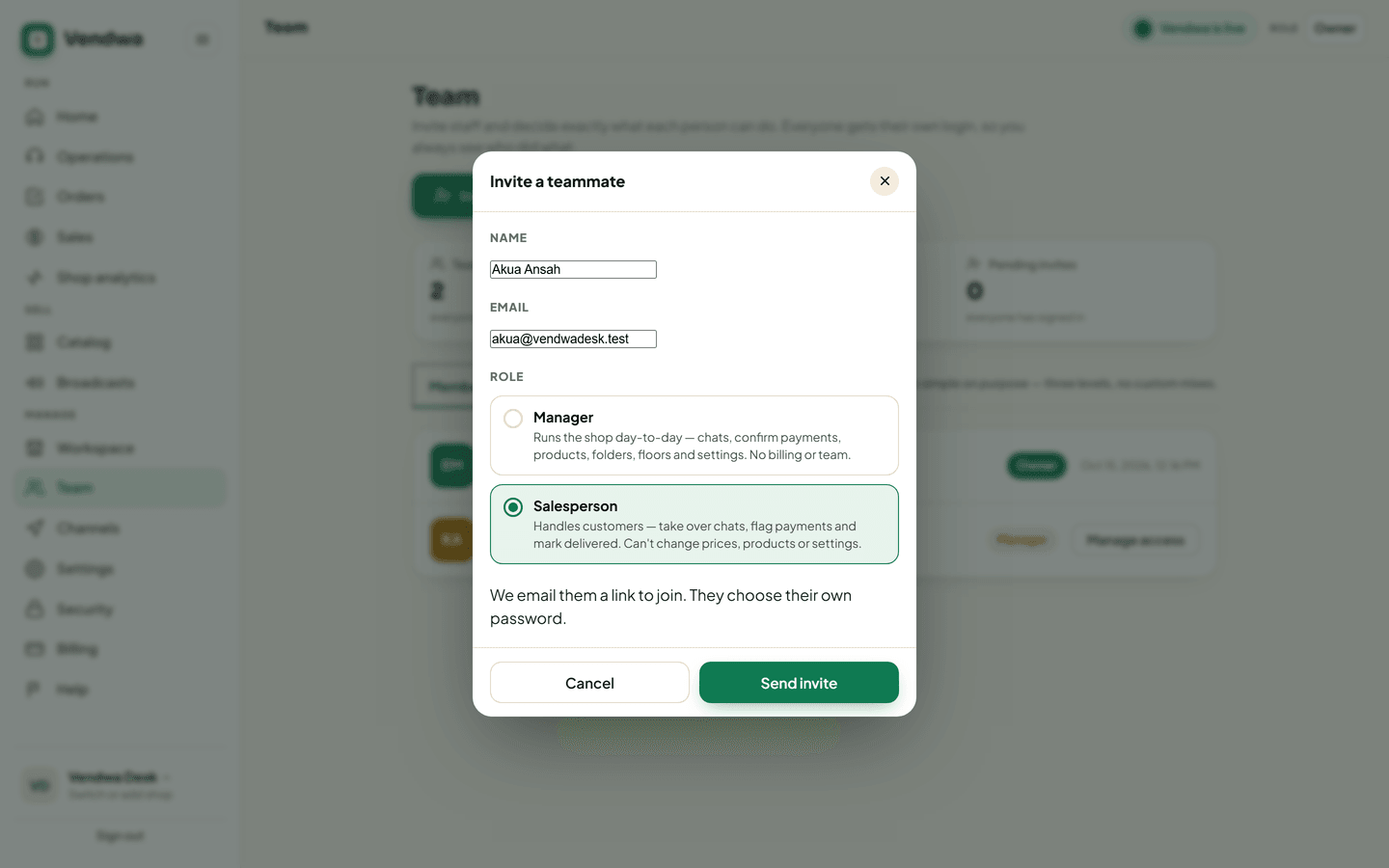
We email your teammate a link. They choose their own password and PIN. Owner only.
Everyone gets their own login. So you always see who did what.
Send an invite
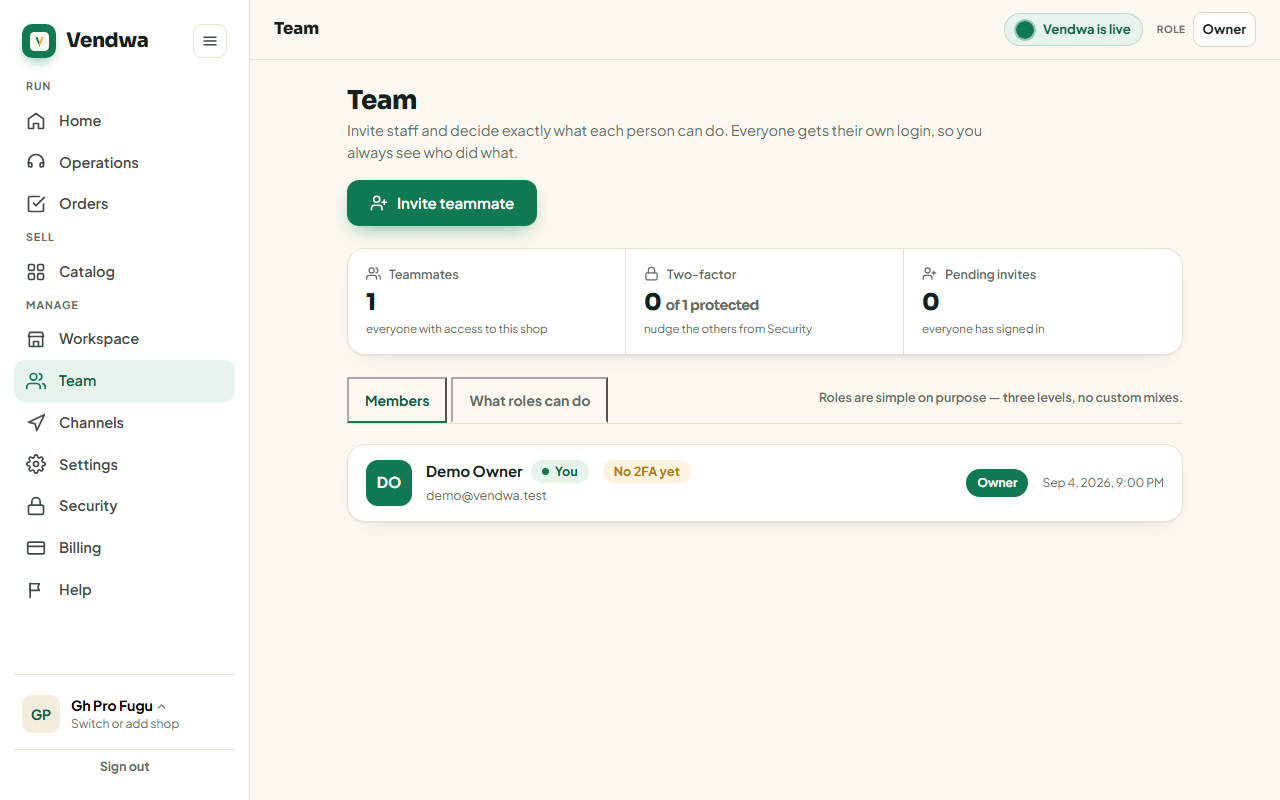
- Open Team on the web, or Account, Team in the app.
- Tap Invite teammate.
- Enter their name and email.
- Pick a role: Manager or Salesperson.
- Tap Send invite.
If you have Ask for my password again turned on, type your password to send it.
What your teammate does
- They open the link in the invite email.
- They type their name and choose their own password.
- In the Vendwa app, they create their own 4-digit PIN.
You never see their password or their PIN. Nobody does.
If the link has expired or was already used, send a new invite.
Remove somebody
Open Team, find the person, remove them. They lose access to this shop at once. If they work in another of your shops, that access is untouched.
Seats
Your plan sets how many people you can have: 1 on Starter, 3 on Pro, 5 on Business. You are one of them.
Good to know
- Only the owner can manage the team.
- Ownership can be moved from Workspace. The new owner must have two-step sign-in turned on first.
- Everything a teammate does is written to the Access log, which the owner can read.
Was this helpful?
We read every answer. We do not ask for your name.