Follow a report you sent
Web & app 1 min read
My reports shows everything you have sent and where each one stands. Write back until it is resolved.
Open your reports
- Open Help.
- Tap My reports.
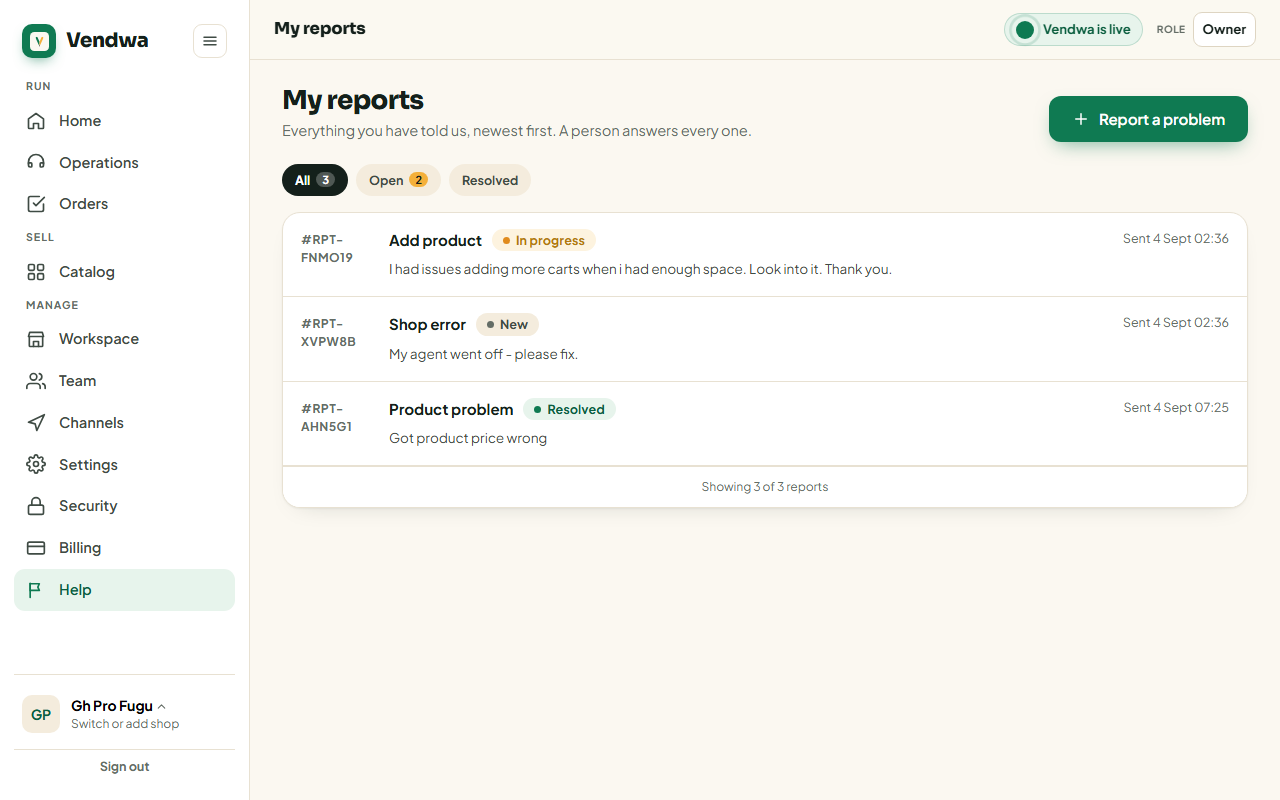
Every report you have sent is there, oldest first — the same order we work through them.
What the statuses mean
- New — sent, not picked up yet.
- In progress — somebody is on it.
- Resolved — done.
Write back
- Open the report.
- Read the thread. Your messages and ours sit in one place.
- Type a follow-up and send.
You can add to a report until it is resolved. After that, send a new report. That is what keeps "resolved" meaning finished.
How you hear from us
By email, to whoever filed the report, and as a notification on the app. Tap the notification to open the report.
Was this helpful?
We read every answer. We do not ask for your name.