How to pay
Pay by MoMo or card from the Billing page. Nothing is deducted automatically.
From the web dashboard
- Open Billing.
- Tap Pay now (MoMo or card), or the Pay button on the plan you want.
- Secure checkout opens.
- Pay with MoMo — MTN, AirtelTigo or Telecel — or a card.
- You come back to Billing and the plan is active.
Whatever plan you paid for becomes your plan straight away.
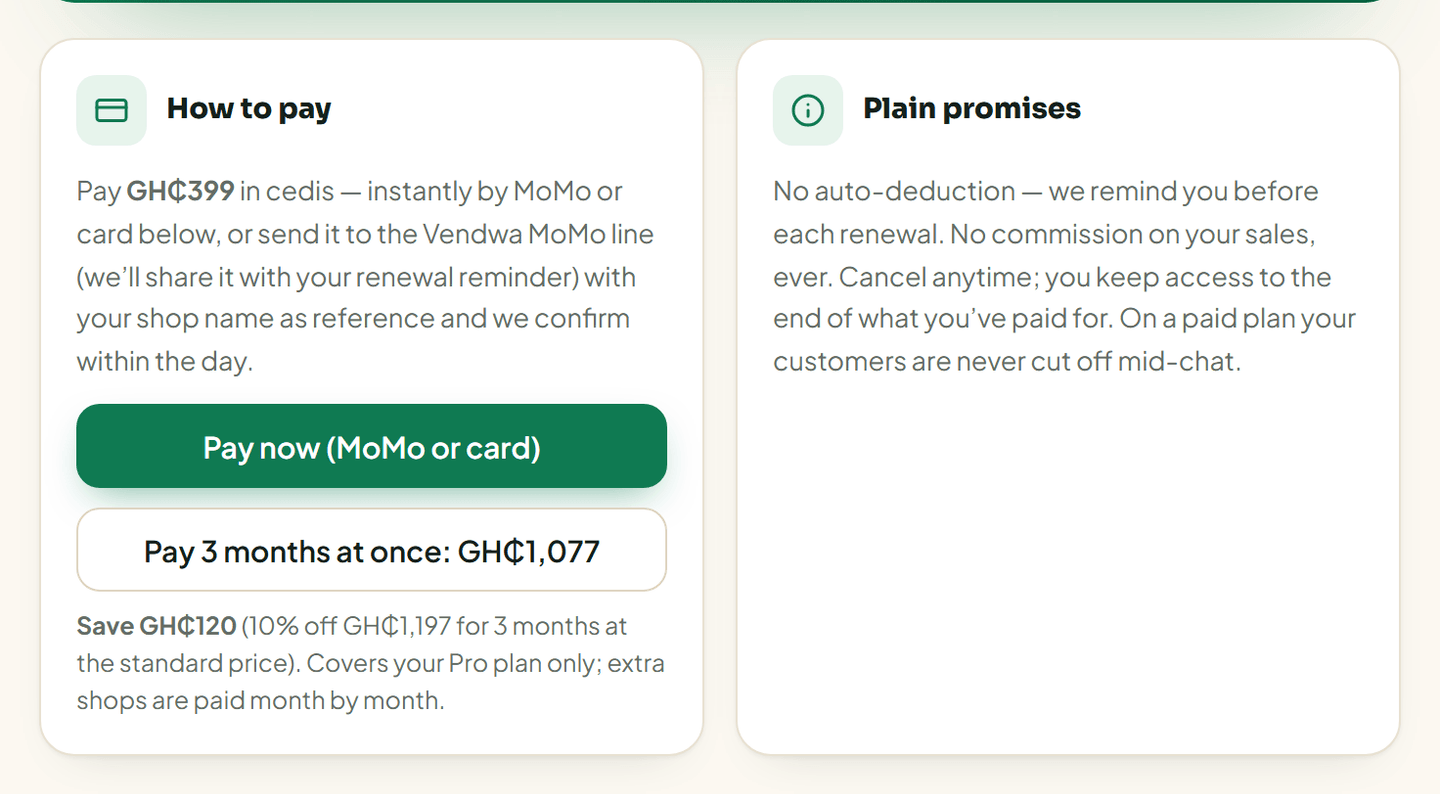
Pay 3 months at once and save 10%
On the Billing page you can pay for 3 months in one go and save 10%. It is one payment, by MoMo or card, and your plan is paid up for the next 3 months.
It covers your plan only. Extra shops on Business are still paid month by month.
It is the standard plan price. The Founding Vendor half price is for monthly payments only.
By MoMo transfer
Prefer to send it yourself? Send the amount to the Vendwa MoMo line — we include it with your renewal reminder — and put your shop name as the reference. We confirm within the day.
On your phone
Payment is done on the web, not inside the app. Open app.vendwa.com in your phone browser, sign in, and go to Billing. The steps are the same as above. The Vendwa app, on iPhone and Android, does not take payment and does not show prices. Top-ups, broadcast message bundles and extra shops are also bought on the web dashboard.
Plain promises
- No auto-deduction. We remind you before every renewal. Nothing leaves your account on its own.
- No commission. Not a pesewa of your sales.
- Cancel any time. You keep access to the end of what you paid for.
- Hitting your conversation limit never cuts off a chat that is already running.
Good to know
- Only the shop owner sees the Billing page. Managers and salespeople get a calm "owner only" notice.
- This page is about paying us. How your customers pay you is a separate thing: MoMo payment prompts are included on every plan, and we switch them on for your shop once you have agreed it with the front desk. Until then customers pay your MoMo number directly and you mark the order paid. See The MoMo payment prompt.
We read every answer. We do not ask for your name.